Rohit kumar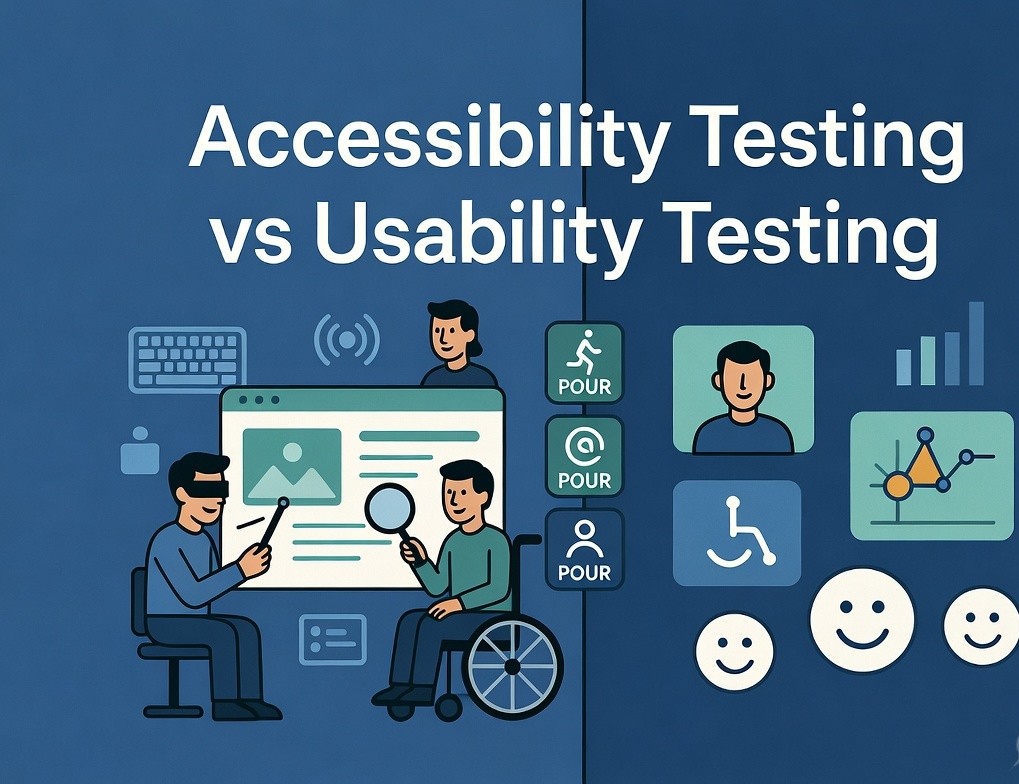
Modern software teams face constant pressure to release features quickly while maintaining high standards of quality and inclusivity. Accessibility Testing ensures digital products work seamlessly for users with disabilities, encompassing visual, auditory, motor, cognitive, and other needs. Embedding Accessibility Testing directly into Agile methodologies and DevOps pipelines transforms it from a late-stage chore into a core part of the development process, enabling faster, more reliable outcomes.
Relying on end-of-cycle checks often results in expensive rework, missed deadlines, and compliance gaps. Leading organizations instead adopt continuous, proactive approaches that align with rapid iteration cycles. This detailed guide examines effective ways to weave Accessibility Testing throughout Agile sprints and DevOps workflows, offering actionable techniques, recommended tools, and measurable advantages.
The Importance of Accessibility Testing in Modern Development
Accessibility Testing assesses applications against established guidelines such as the Web Content Accessibility Guidelines (WCAG), focusing on the POUR principles: Perceivable, Operable, Understandable, and Robust. In Agile and DevOps settings—where speed and frequent deployments are standard—Accessibility Testing must evolve into an ongoing practice rather than a final validation step.
Core advantages include:
- Dramatically lower costs for fixing issues discovered early.
- Stronger protection against regulatory violations under frameworks like ADA, Section 508, and the European Accessibility Act.
- Enhanced user satisfaction and expanded audience reach.
- Positive effects on search engine optimization and overall application robustness.
- Promotion of collaborative, inclusive team dynamics.
Failing to integrate accessibility risks turning it into a bottleneck or allowing it to fall by the wayside amid tight timelines.
Embracing Shift-Left Principles for Accessibility
Shift-left testing brings Accessibility Testing forward in the development lifecycle, addressing potential problems during planning, design, and early coding rather than after implementation.
Application in Agile Environments:
- Initial Planning Stages: Establish accessibility goals, refine user stories, and set clear acceptance criteria.
- Design Reviews: Ensure prototypes incorporate sufficient contrast, logical navigation, and semantic structure.
- Coding Phase: Encourage developers to follow best practices like proper HTML semantics and keyboard-friendly interactions.
- Within-Sprint Validation: Perform quick automated checks alongside manual reviews before demo sessions.
- Team Reflections: Incorporate accessibility outcomes into sprint retrospectives and update the Definition of Done accordingly.
In DevOps Contexts, shift-left complements automation by triggering relevant checks on code commits, merge requests, and environment deployments.
Incorporating Accessibility Testing into Agile Workflows
Successful Agile teams treat Accessibility Testing as an integral habit rather than an isolated activity.
Recommended Approaches:
- Accessibility-Enhanced User Stories: Include specific, verifiable criteria in every relevant story (for example, “All interactive elements must support full keyboard operation and screen reader announcements”).
- Refinement Sessions: Regularly discuss and prioritize accessibility-related technical debt.
- Completion Standards: Mandate basic automated validation, keyboard navigation tests, and screen reader spot-checks as part of marking work complete.
- Sprint-Level Activities: Integrate lightweight automated scans during development and schedule focused accessibility reviews toward the end of each iteration. Periodically include feedback from users who rely on assistive technologies.
- Cross-Functional Collaboration: Pair developers with testers and designers to share knowledge and catch issues collaboratively.
This method keeps development momentum high while systematically raising the inclusivity of delivered features.
Seamlessly Integrating Accessibility Testing into DevOps Pipelines
DevOps thrives on automation and rapid feedback loops. Accessibility Testing integrates smoothly to provide consistent enforcement without sacrificing velocity.
Standard Pipeline Integration Steps:
- Developer Environment Checks: Leverage IDE plugins and pre-commit hooks for instant guidance.
- Code Review Stage: Automatically scan changes in pull requests.
- Build and Validation: Execute comprehensive test suites against preview or staging environments.
- Release Controls: Configure gates that flag or prevent deployments with serious violations.
- Post-Release Oversight: Continue monitoring live environments and user interactions.
Popular Tools and Examples:
- axe-core: Works across testing frameworks and CI systems for detailed violation detection.
- Lighthouse CI: Offers combined accessibility and performance insights.
- Pa11y: Simple command-line option suitable for scripted pipelines.
- Platform-Specific Workflows: GitHub Actions, GitLab CI, or Jenkins can orchestrate scans and reporting.
Teams often implement gradual enforcement—beginning with non-blocking warnings before advancing to stricter failure conditions—to balance quality improvements with delivery speed.
Click Here For – Performance testing services
Essential Tools Supporting Accessibility Testing
Effective toolkits typically include:
- Automation-Focused: axe DevTools, Google Lighthouse, Pa11y.
- Visual Helpers: WAVE, Accessibility Insights for quick manual inspections.
- End-to-End Testing: Cypress or Playwright plugins for accessibility.
- Comprehensive Platforms: Deque solutions or BrowserStack Accessibility features.
- Manual Validation Aids: Screen readers such as NVDA or VoiceOver.
The most successful setups combine automated efficiency with human expertise for thorough coverage.
Proven Best Practices
- Begin Modestly and Scale: Target high-priority components first, then broaden scope.
- Maximize Automation While Retaining Human Oversight: Use scripts for volume, but rely on manual testing for nuanced usability.
- Build Team Capability: Offer regular training sessions covering standards and practical techniques.
- Measure Progress: Track key indicators like violation counts, resolution times, and compliance levels across iterations.
- Share Ownership: Encourage every role to contribute to accessibility goals.
- Prevent Backsliding: Implement regression detection tied to code modifications.
- Link Testing Disciplines: Coordinate Accessibility Testing with performance, security, and functional efforts for complete quality assurance.
- Iterate Continuously: Use retrospectives to refine processes based on real outcomes.
Common Obstacles and Mitigation Strategies
- Tight Schedules: Addressed effectively through automation and early intervention.
- Knowledge Gaps: Overcome with structured learning programs and collaborative practices.
- Tool Fragmentation: Solved by selecting a focused set of well-integrated solutions.
- Result Interpretation: Improved by establishing clear prioritization rules and triage workflows.
- Team Buy-In: Strengthened by highlighting tangible benefits such as risk reduction and enhanced user metrics.
Practical Success Stories
Organizations across industries have achieved notable results. Agile squads frequently experience smoother releases and fewer post-launch defects once accessibility becomes routine. DevOps teams leveraging automated gates maintain high deployment frequency while steadily improving compliance scores. Retail and software-as-a-service providers, in particular, report gains in engagement metrics and reduced exposure to legal challenges.
Looking Ahead for Accessibility in Agile and DevOps
Emerging AI capabilities promise smarter detection and automated remediation support. With evolving regulations and rising demand for inclusive experiences, teams that fully integrate Accessibility Testing will gain a significant edge. Future advancements will likely deepen connections with design systems, component libraries, and low-code environments.
Final Thoughts
Successfully incorporating Accessibility Testing into Agile and DevOps workflows represents a powerful way to accelerate development, minimize risks, and create genuinely user-friendly applications. Through early intervention, intelligent automation, and a commitment to shared responsibility, teams can consistently deliver inclusive software that meets both technical standards and human needs.
Take the first step by reviewing your existing processes, experimenting with automation in a single workflow, and adding accessibility considerations to upcoming planning sessions. The returns—in user trust, operational efficiency, and sustainable growth—make this a worthwhile evolution for any forward-thinking organization.


 Essentials Hoodie